 STEP 01
ACADEMIC WORKFLOW
Capture
Learner & family details
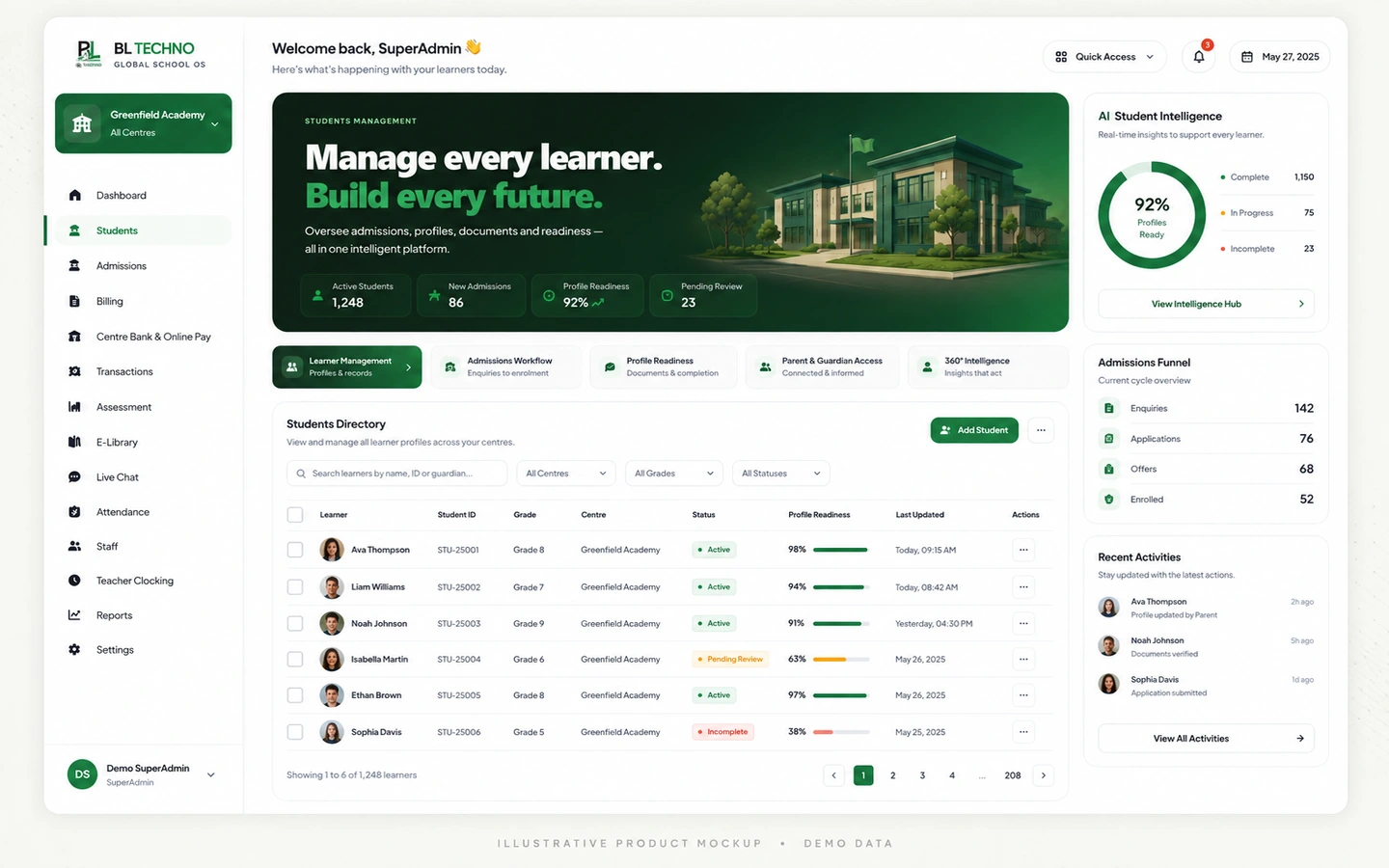
Student ManagementManage learner particulars, guardians, medical and care information, documents, billing context, consent, status and school placement from one controlled student record.
ILLUSTRATIVE • DEMO DATAManage learner particulars, guardians, medical and care information, documents, billing context, consent, status and school placement from one controlled student record.
See BL TECHNO School →Tap a step to change the visual. Each stage comes directly from the feature workflow defined for BL TECHNO.
STEP 01Learner & family details
Student Management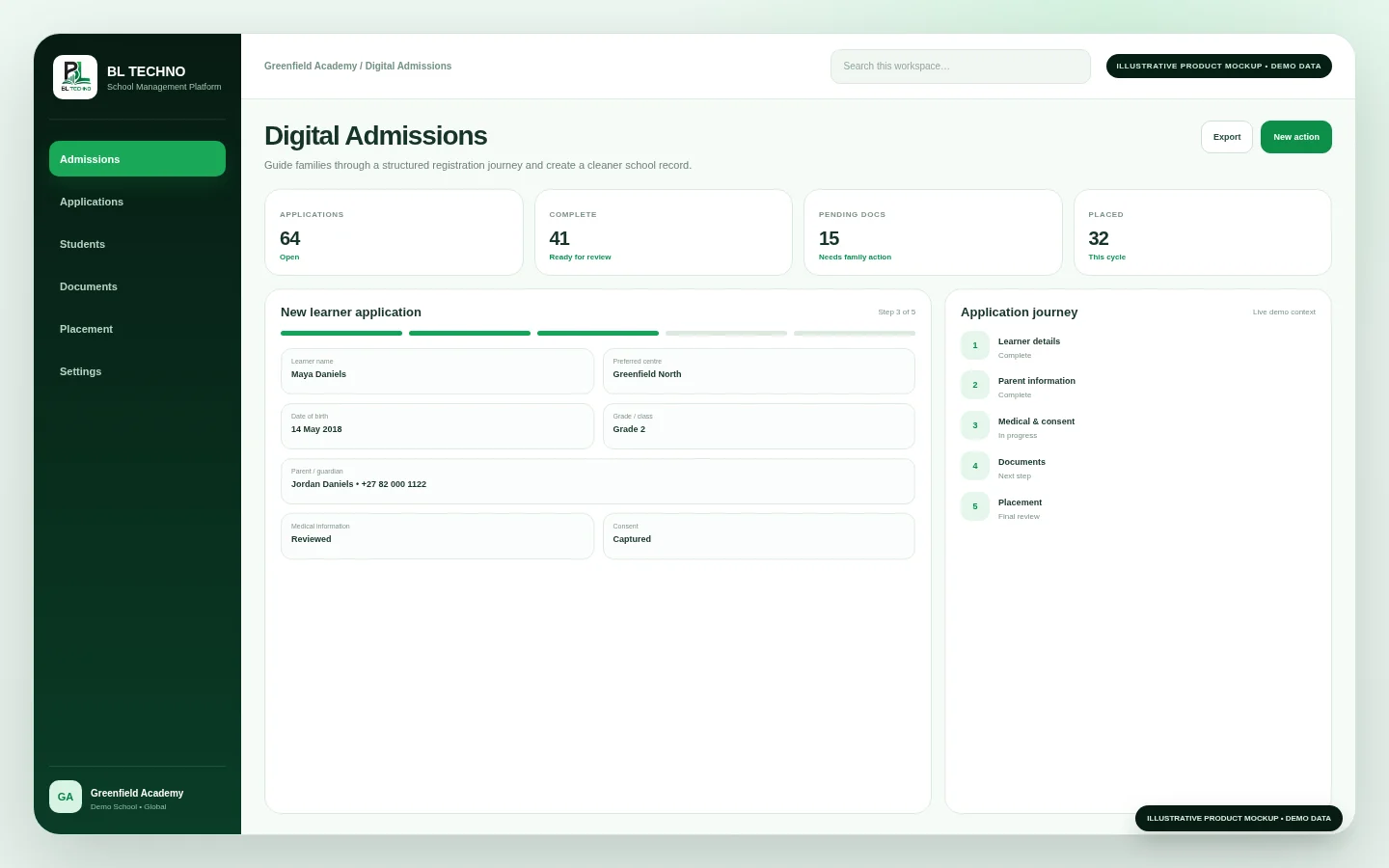 STEP 02
Centre, class & status
Digital Admissions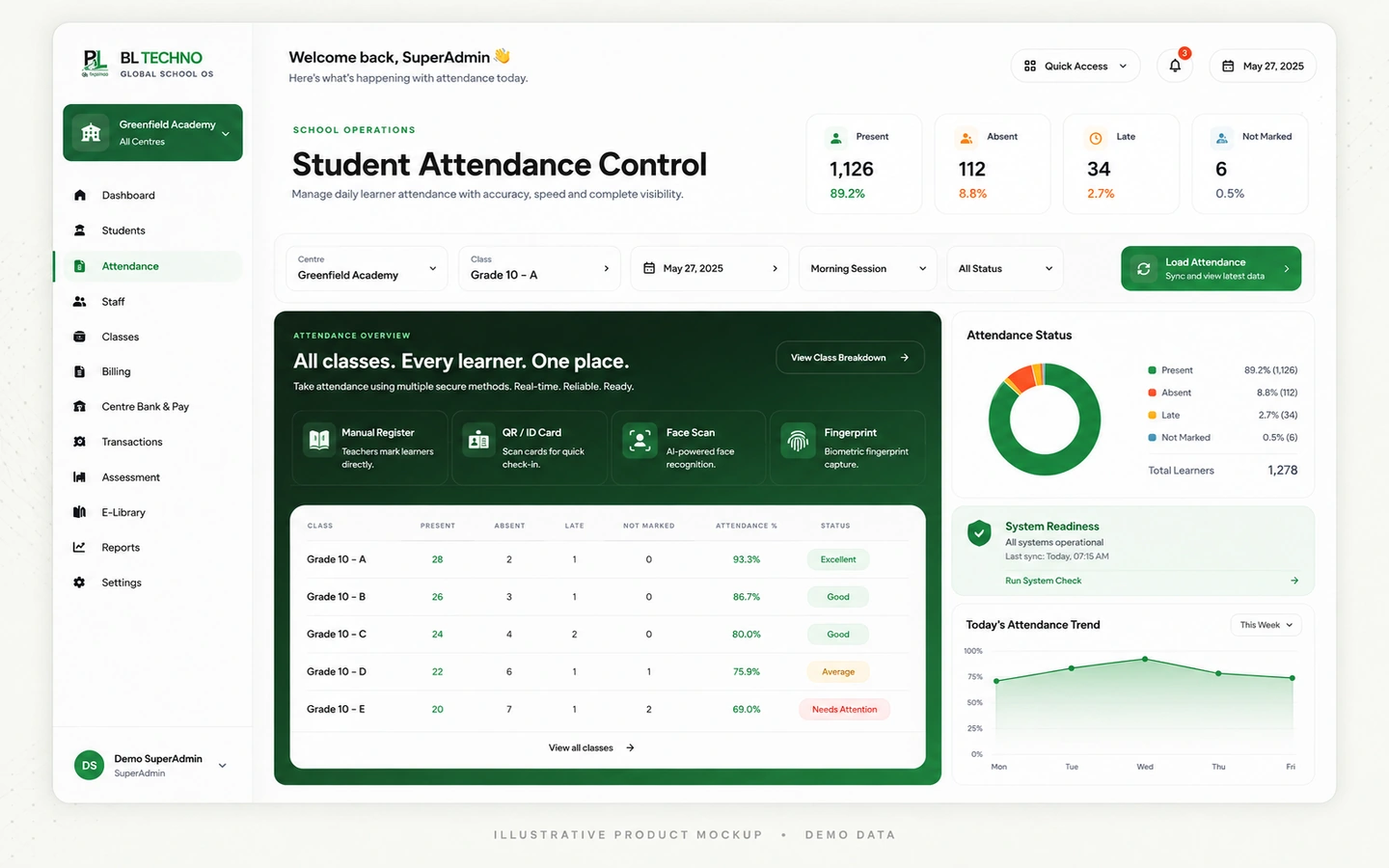 STEP 03
Medical, documents & billing
Attendance Control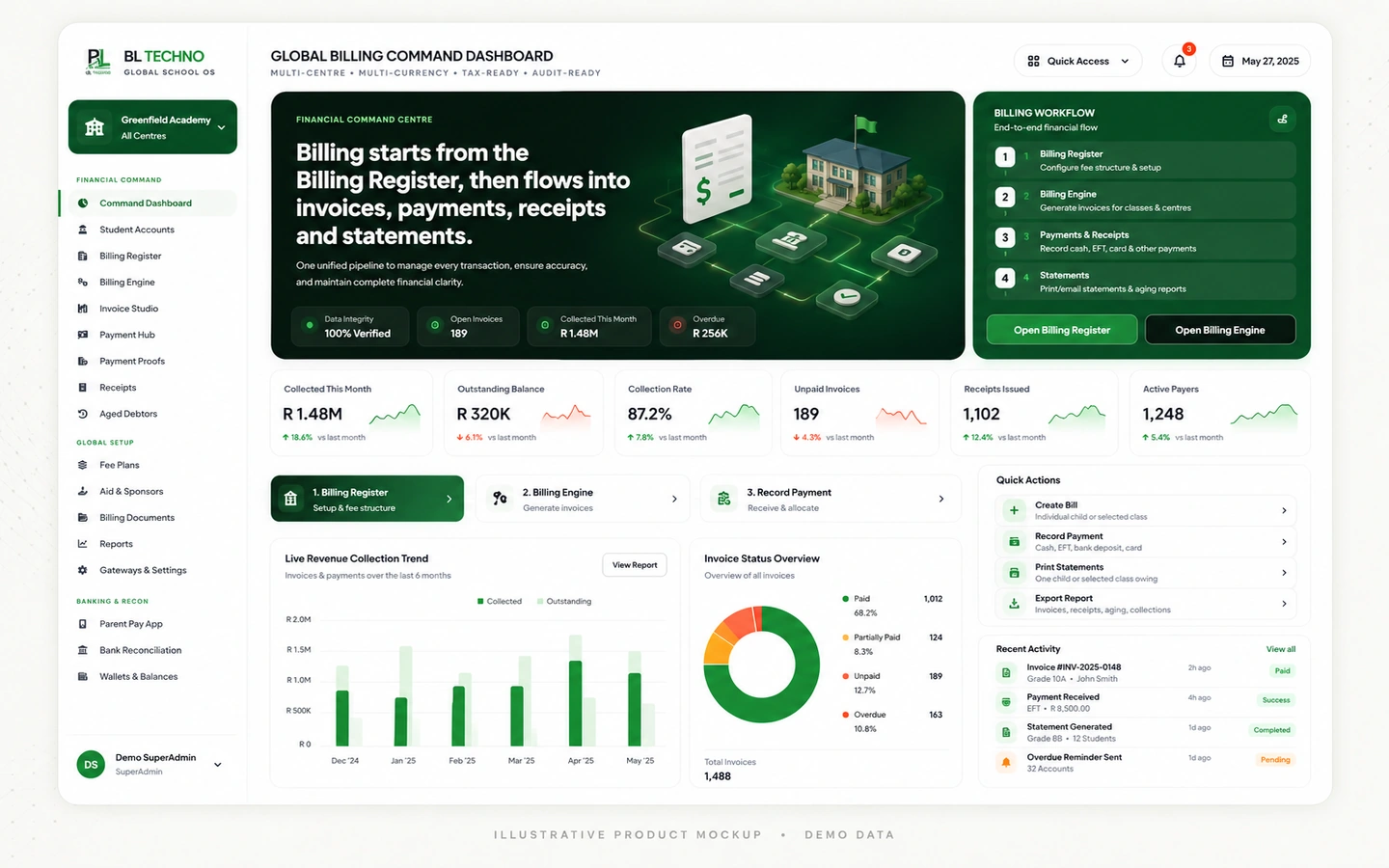 STEP 04
Attendance, teaching & finance
Global Billing Command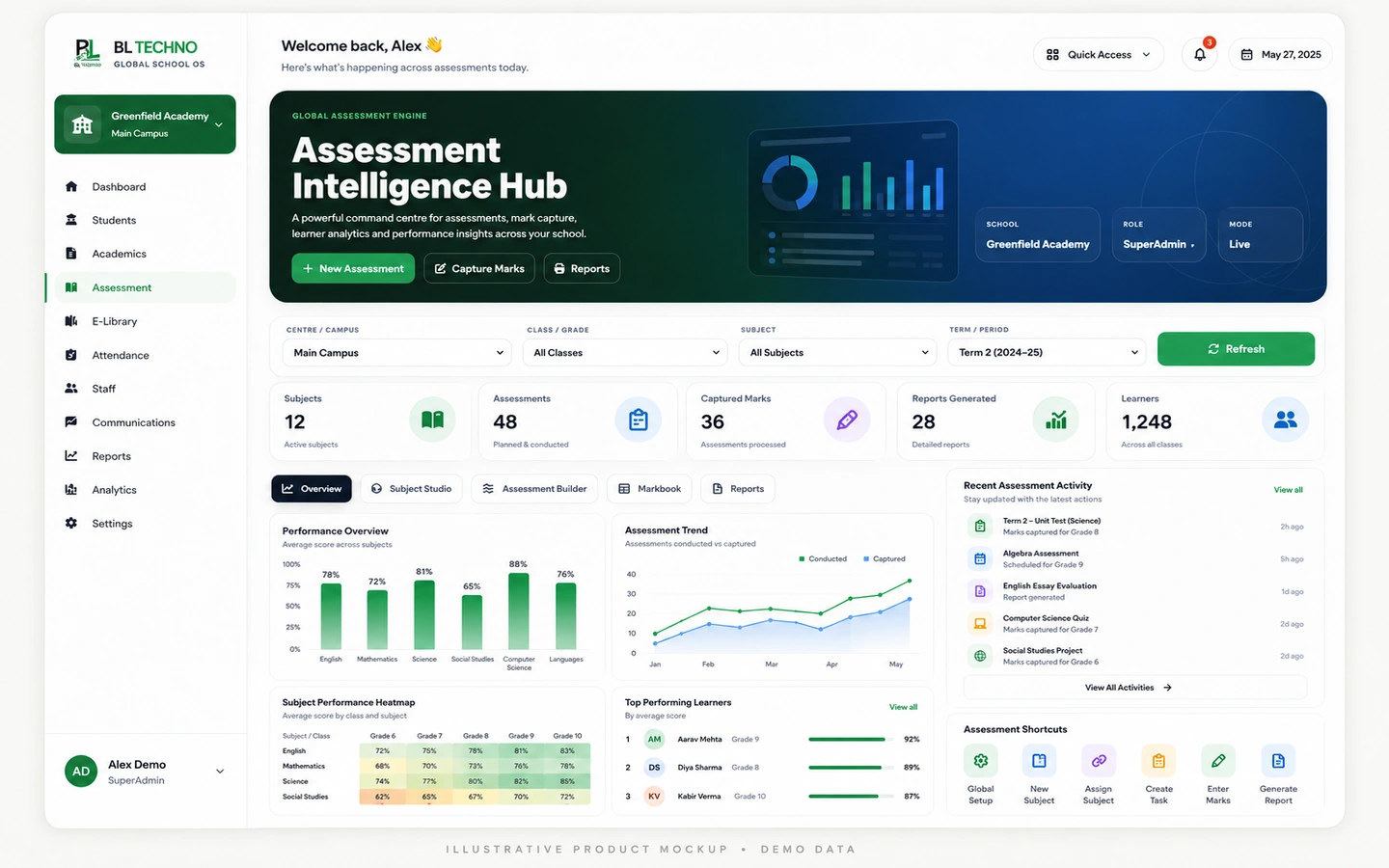 STEP 05
History, changes & learner insight
Assessment IntelligenceThese outcomes describe the operating purpose of the feature without inventing customer statistics.
Reduce duplicate capture by keeping the learner’s core school information together.
Give authorised teams access to the information needed for administration, academics, finance and care.
Keep profile changes and sensitive learner information inside authorised school workflows.
Six capability areas show what the feature organises and how the workflow becomes operational.
Core identity and school information.
Keep approved family and pickup context attached to the learner.
Store school-relevant medical, special-needs and care information.
Keep application documents and learner photo context together.
Connect the learner record to finance preferences and account context.
Capture declarations and keep profile changes reviewable.
The exact records shown depend on the signed-in user, school configuration and current school data. These labels show the kinds of context this feature organises.
Student ManagementSwitch roles to see how the same feature serves different authorised users without giving everyone the same view.
Maintain complete learner records and school placement.
AdministratorStudent ManagementReview learner population and record quality.
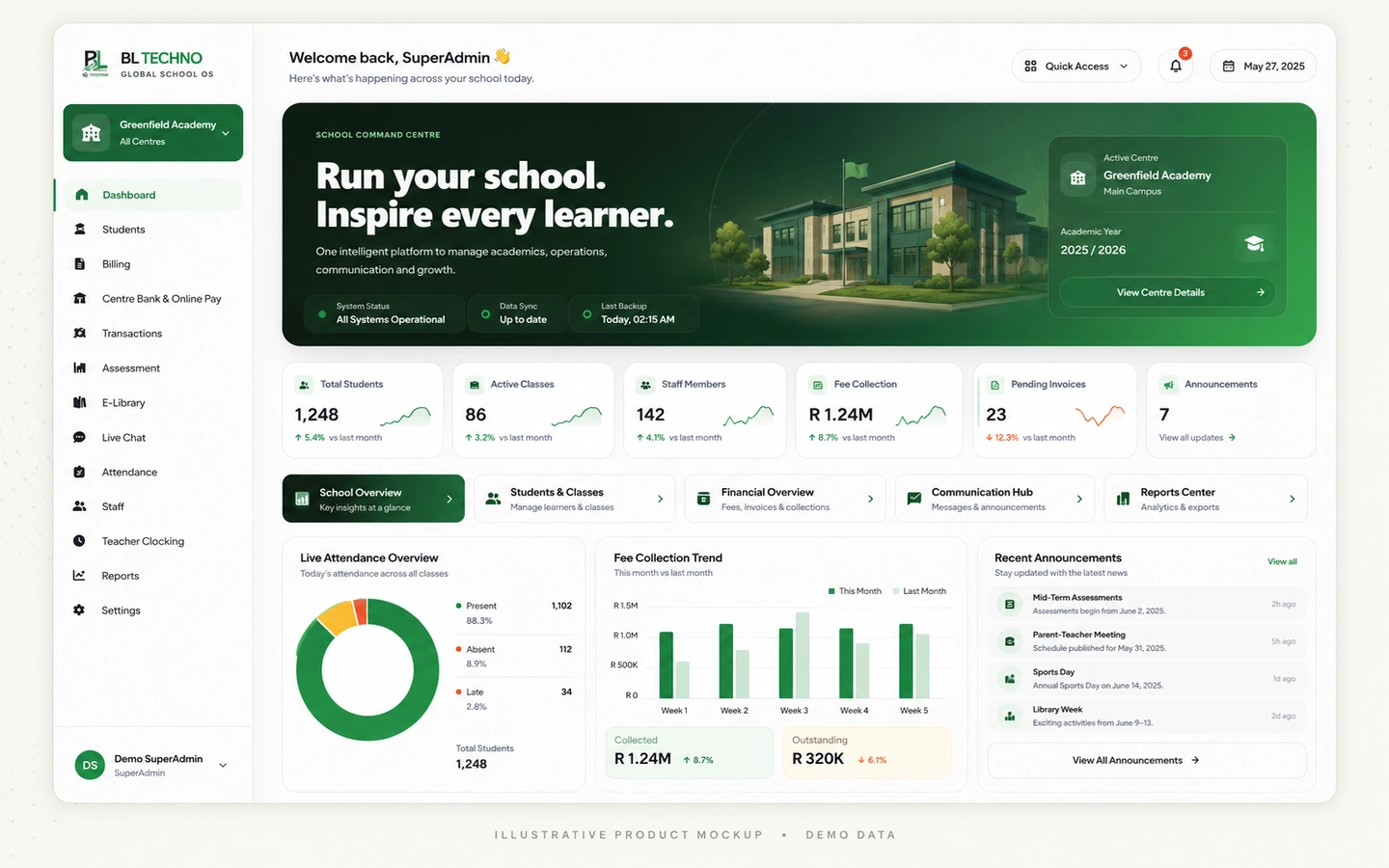 ManagementSchool Command Dashboard
Use the authorised learner context needed for teaching and support.
Academic StaffStudent ManagementMove into the neighbouring workflows that share relevant school context.
This public-safe motion teaser uses illustrative marketing visuals and demo interface language. It is designed to communicate the connected platform story without exposing production school data.
The exact implementation depends on school size, plan and scope. This path shows the practical sequence for introducing the feature responsibly.
Identify where Student Management fits into the school’s current operating process and what should improve.
Confirm centres, classes, learner context and the people who will use the workflow.
Check the records, settings and authorised users needed for Student Management to work cleanly from day one.
Walk the responsible teams through the Student Management workflow using their real roles and school scope.
Introduce Student Management into the agreed school process with controlled access and clear ownership.
Review usage, exceptions and operating quality, then refine the school process where needed.
Student Management inherits BL TECHNO’s role, scope and permission principles. Public marketing shows the controls; authenticated product access remains authoritative.
The current learner workflow includes learner particulars, guardians, employment details, medical history, documents/photo, billing configuration, care information and declarations/consent.
Yes. The learner record is designed to connect into attendance, teaching, assessment, billing, communication and transport workflows.
No. Sensitive learner information should remain limited by the user’s authorised role and operational scope.
Inspect the feature in detail, then see how it connects to the product family and wider school operation.
See how students, attendance, assessments, billing, staff, payroll, access, communication, library and transport connect in one school system.
Learn what approved Agents represent, how the onboarding journey works, and where to register or sign in to the live Agent system.
BL TECHNO is one global website. We suggest your country automatically so pricing can be shown in the local currency, and you can override the suggestion at any time.