
 4 features
ACADEMIC OPERATIONS
Move from enrolment to daily learning with one connected learner context.
Student Management • Admissions • Attendance • Assessment
Explore the specific capabilities behind BL TECHNO—from learner records and attendance to finance, workforce, administration and communication—without losing the shared school context that connects them.
Choose an operating area to see the features that belong together. The feature library below remains fully filterable.
4 featuresStudent Management • Admissions • Attendance • Assessment
 3 features
Billing • Payments • Transactions
 3 features
Staff • Staff Clocking • Payroll
 3 features
School Command • Centre Management • User Management
 2 features
Live Chat • Meetings
Filter by operating area, then enter any feature for a full walkthrough of outcomes, workflow, capabilities, roles, connections, security and implementation.
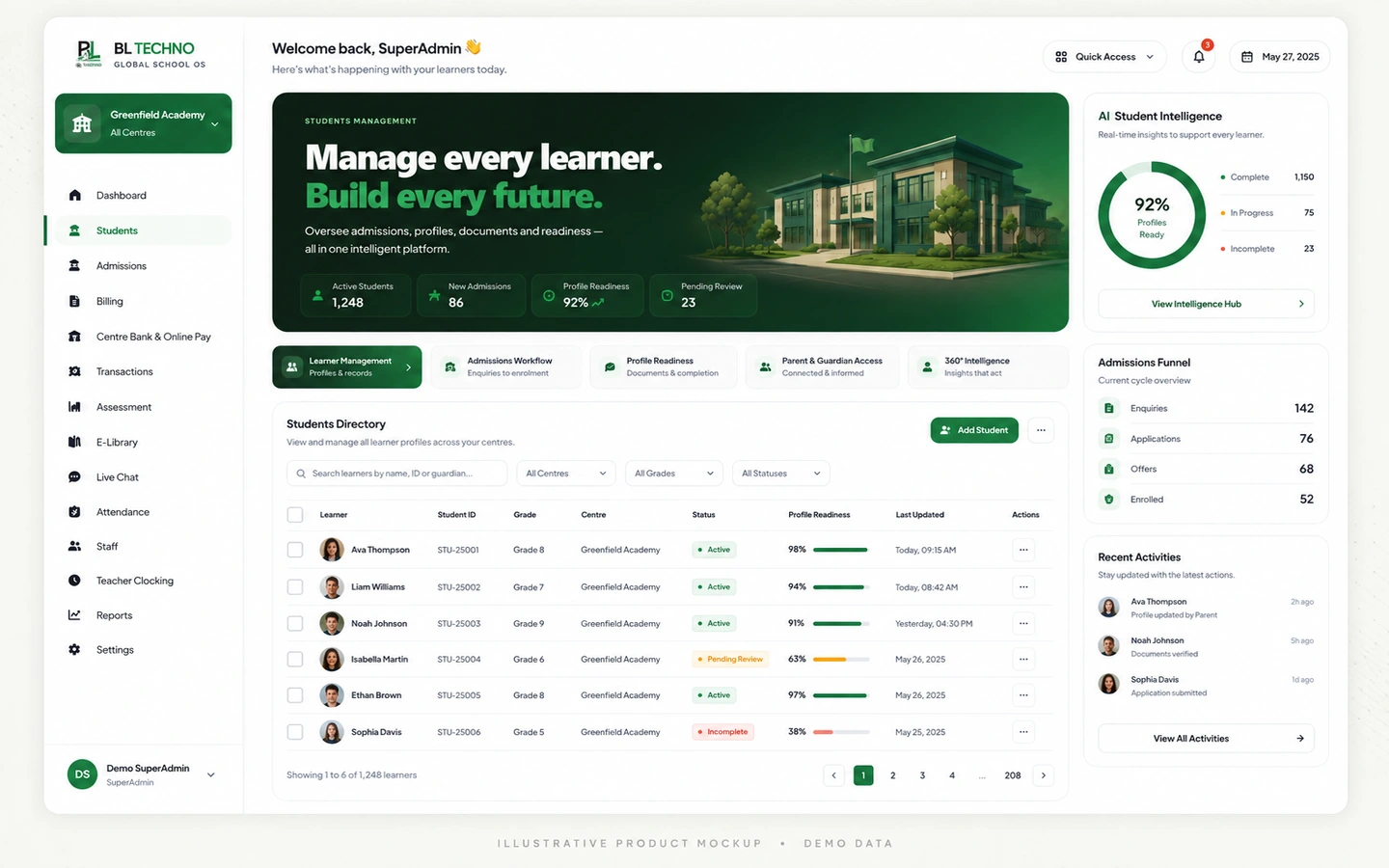 Academic
Manage learner particulars, guardians, medical and care information, documents, billing context, consent, status and school placement from one controlled student record.
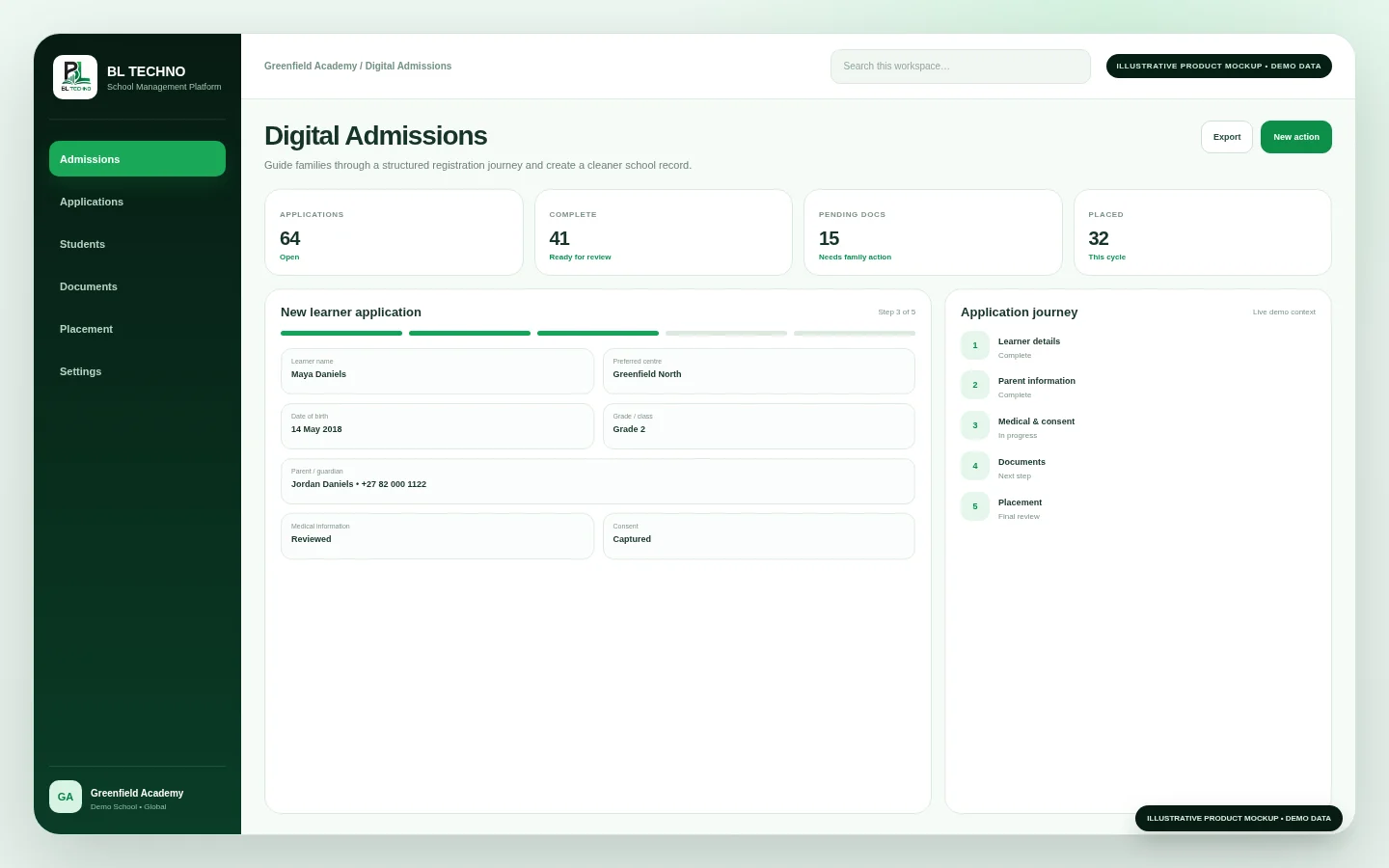 Academic
Collect learner, guardian, employment, medical, document, billing-preference and consent information through a structured registration flow that can feed the school record.
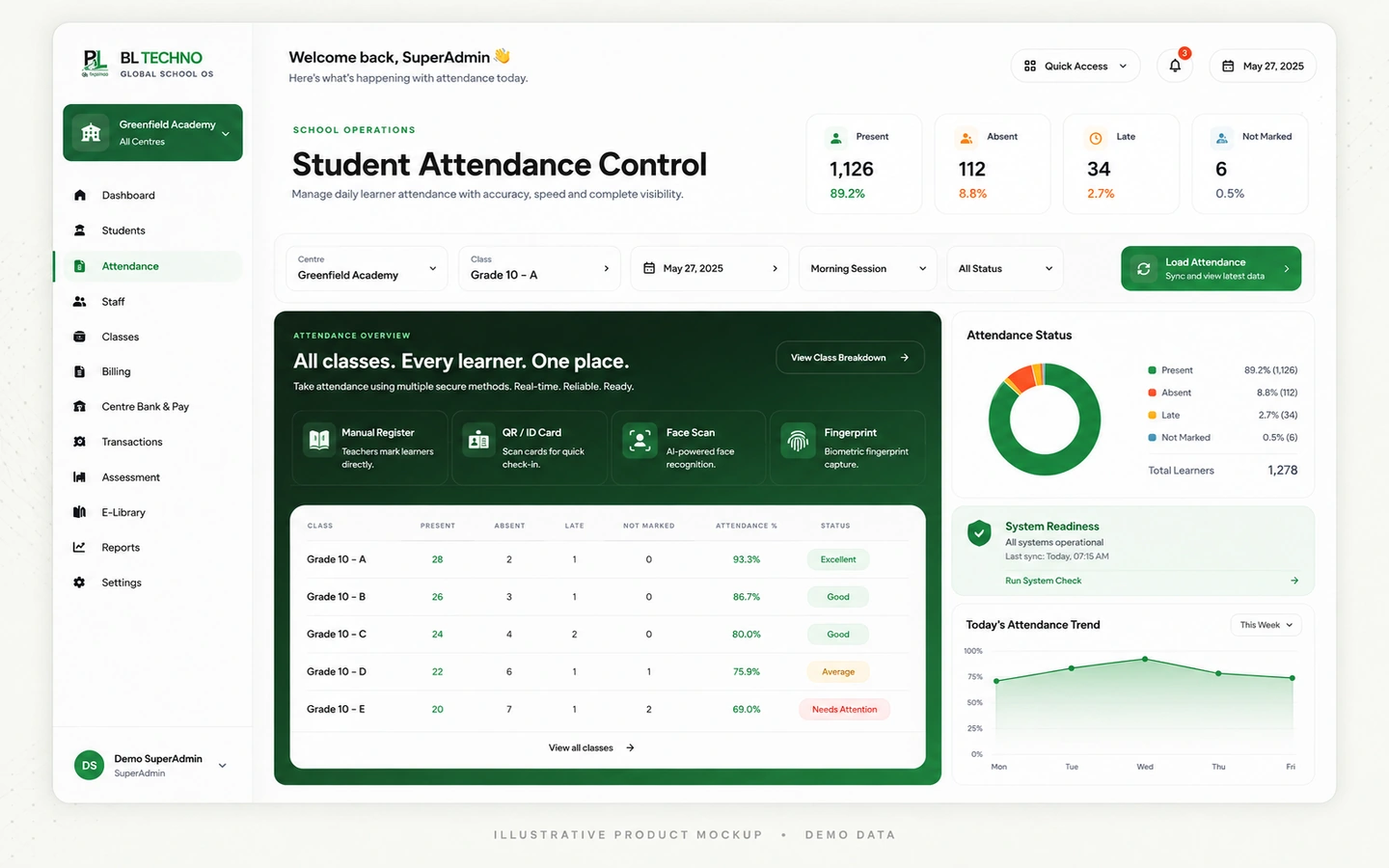 Academic
Support manual registers, sign-in/sign-out records, attendance events and device-assisted identity workflows while keeping school, centre and class context together.
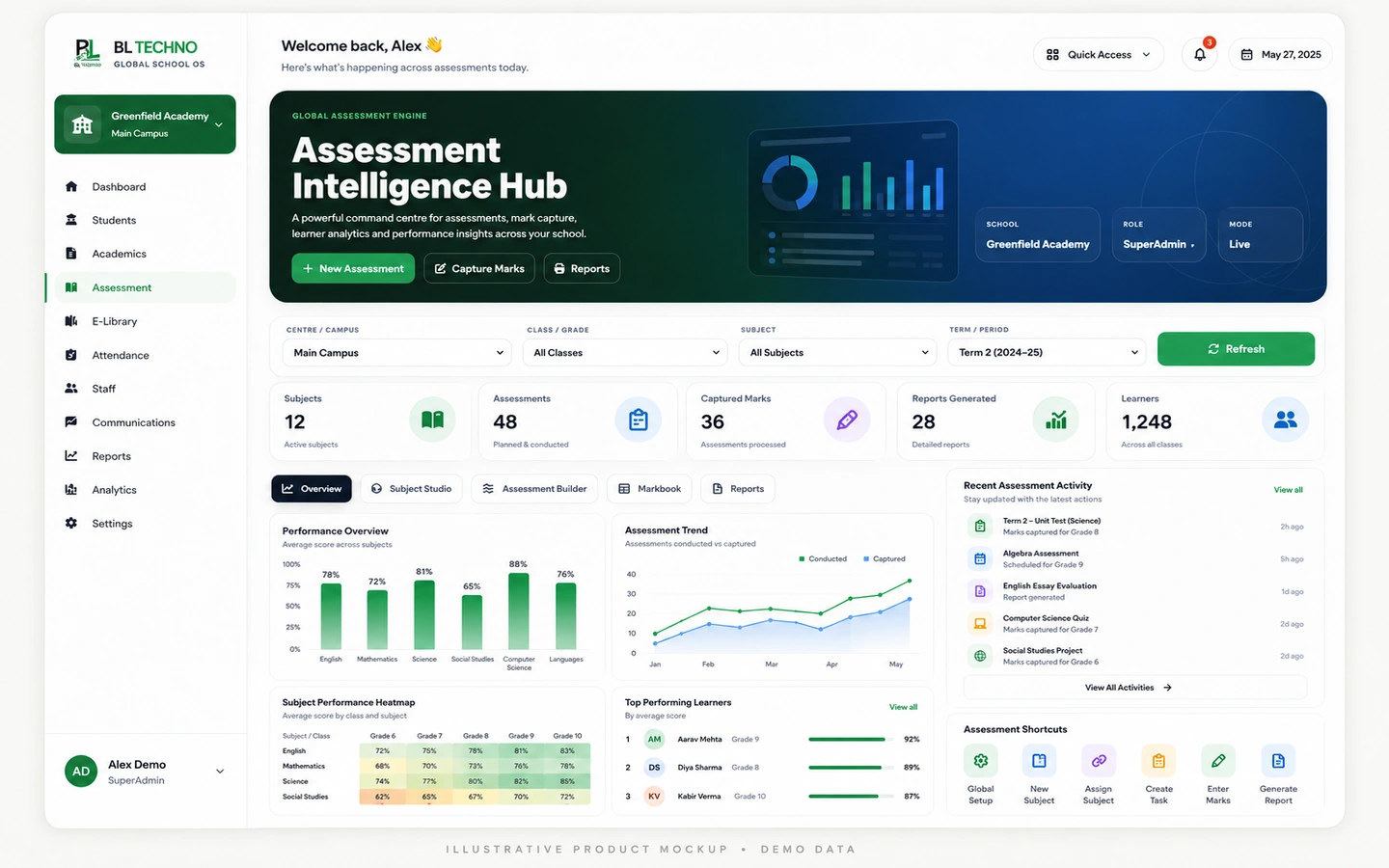 Academic
Organise curriculum context, terms/periods, subjects, class assignments, assessments and performance reporting inside a connected academic workflow.
 Finance
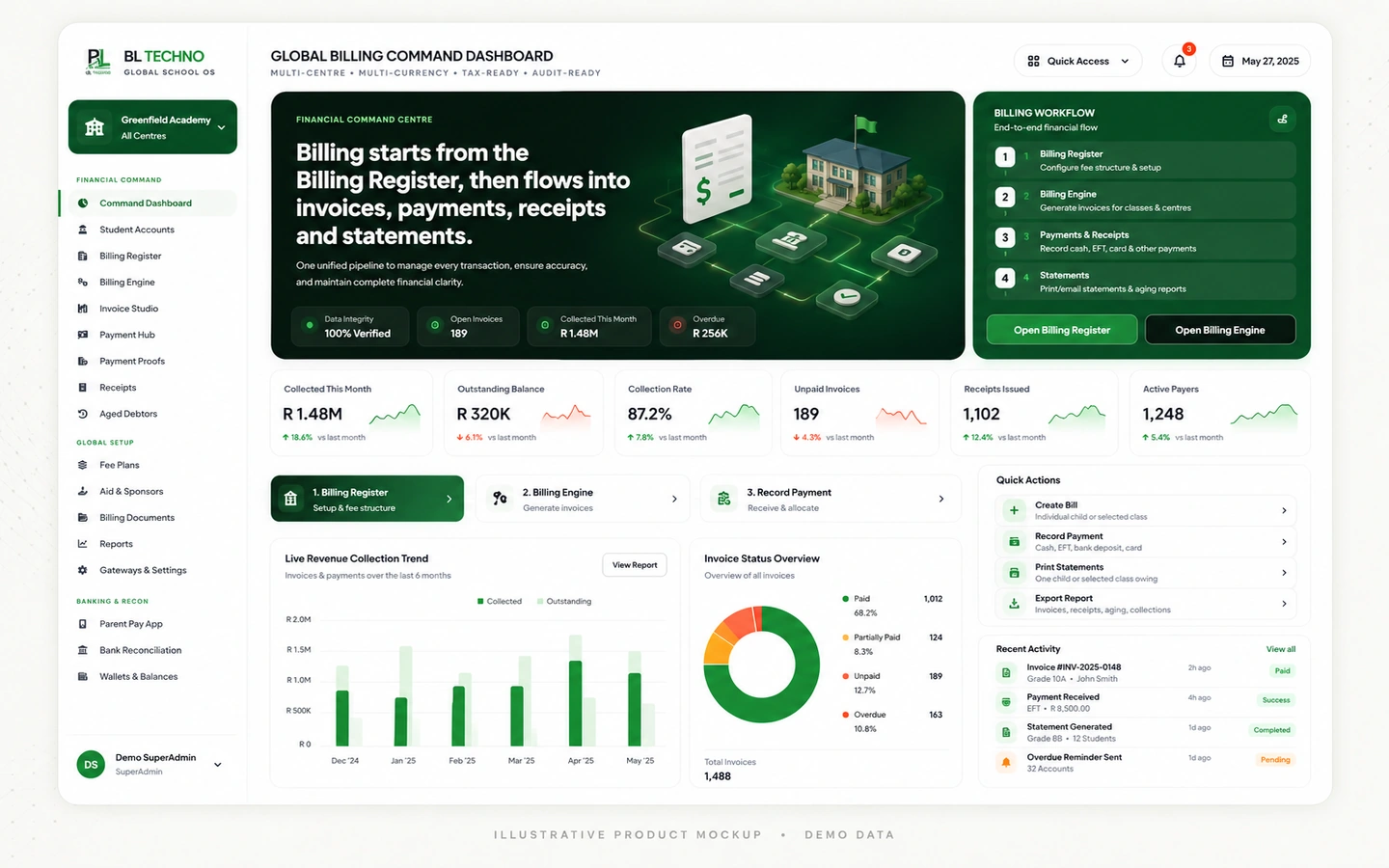
Start from student billing configuration and move through centre/class billing, invoices, collections, receipts, debtors and statements inside the finance command environment.
 Finance
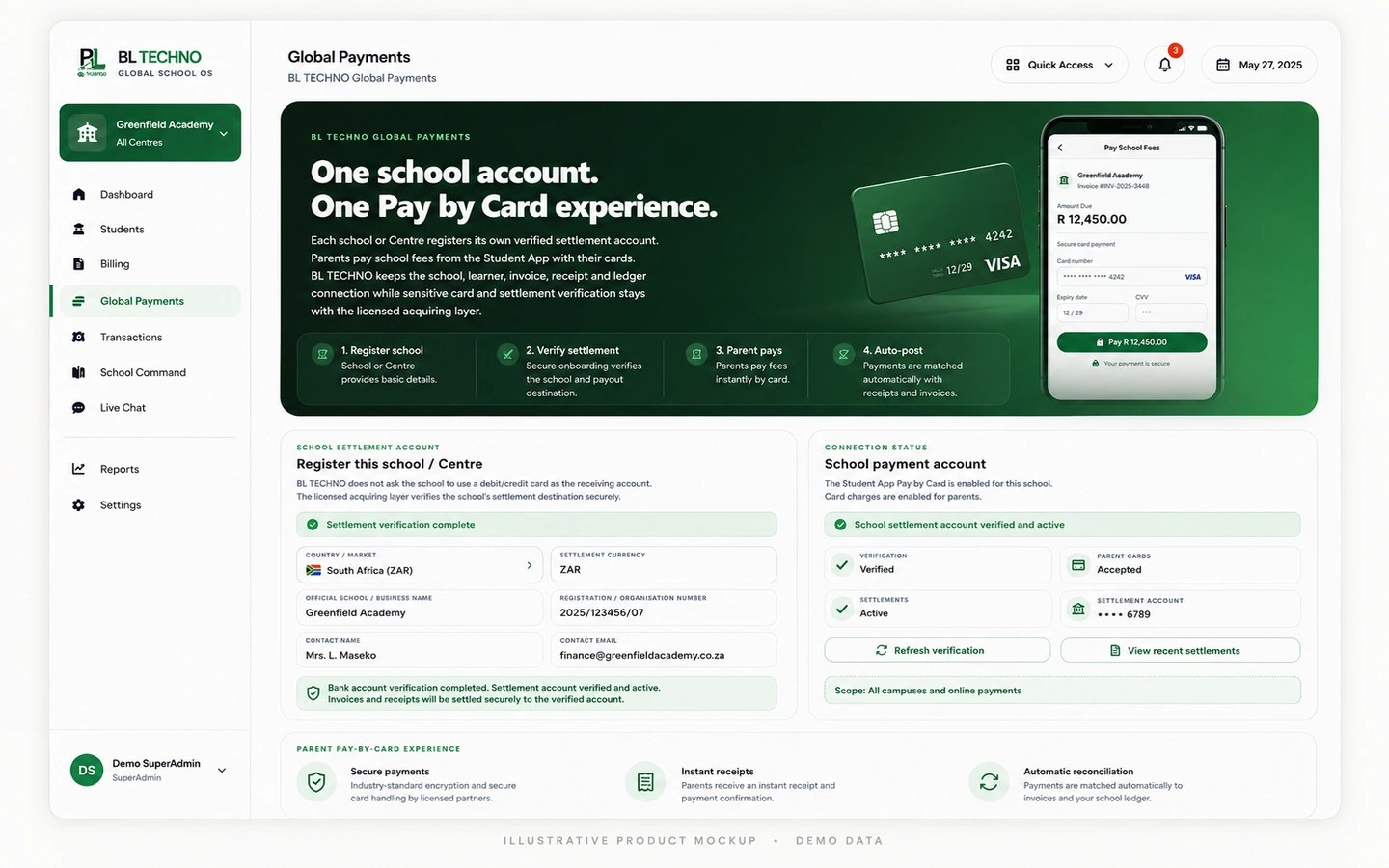
Record or process configured school payment activity, review payment proofs, issue receipts and support controlled refund, approval and payment-link workflows.
 Finance
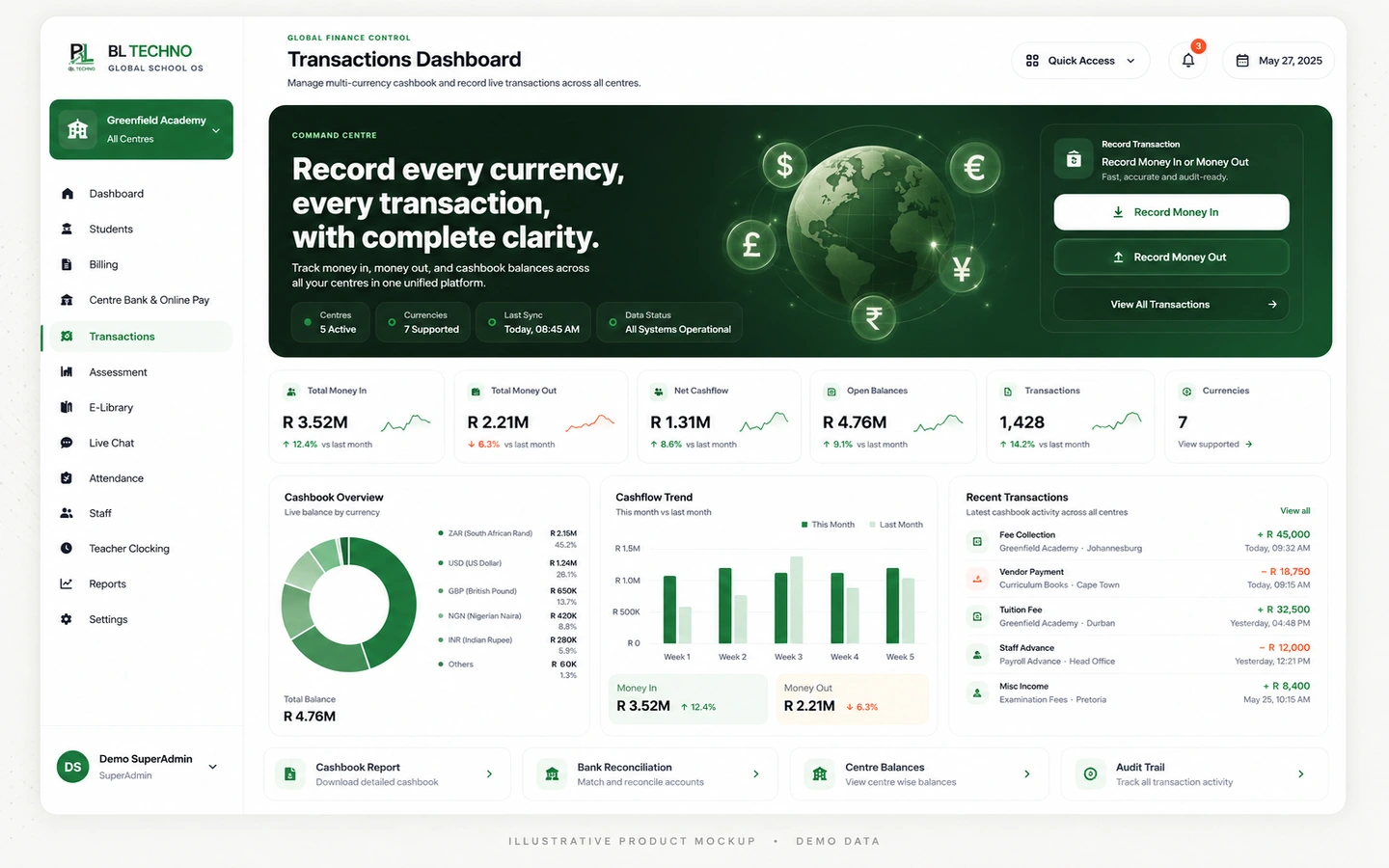
Record income and expenditure across configured currencies, categories, centres and payment methods, then review cashflow trends and produce cashbook statements.
 Workforce
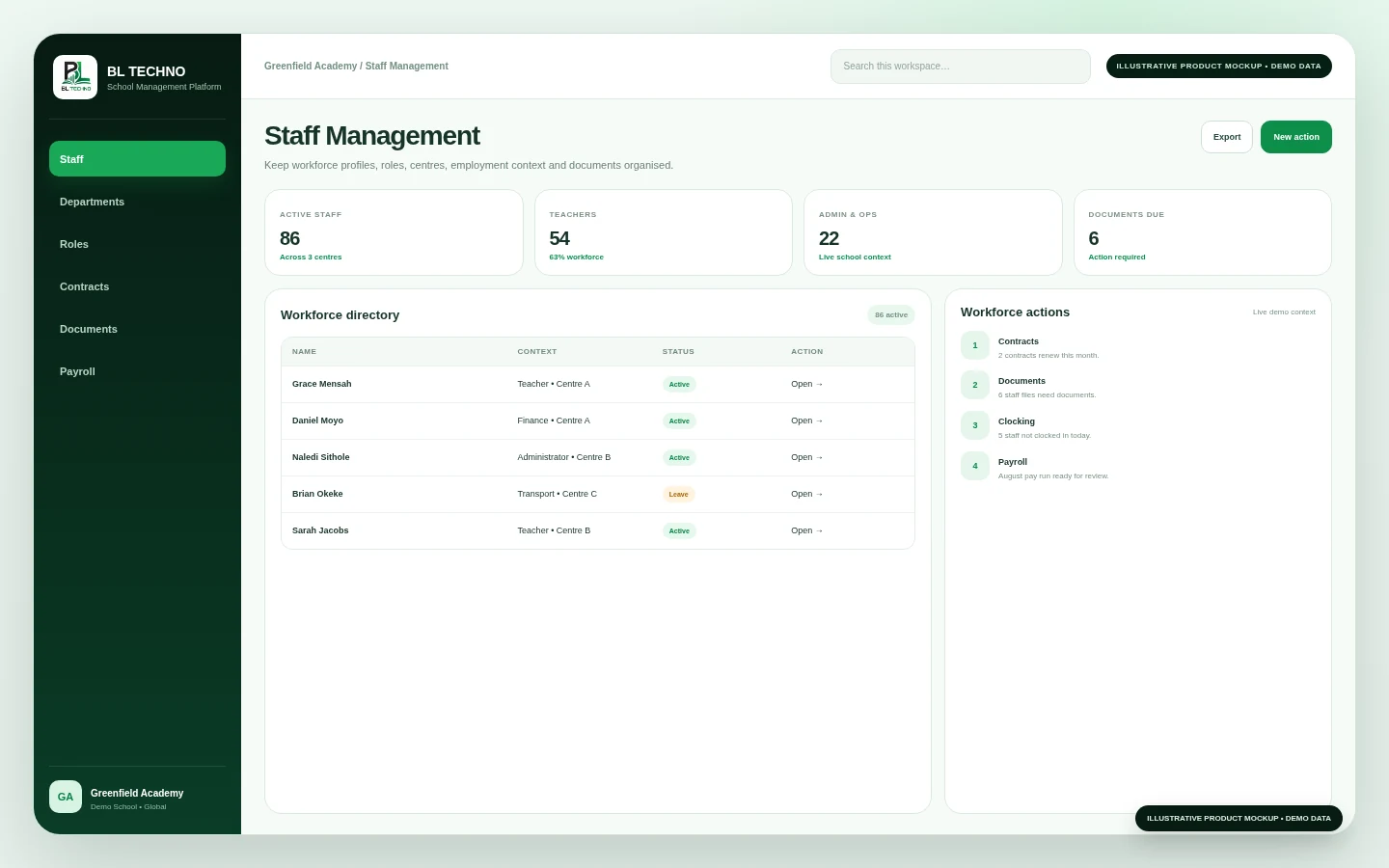
Organise staff profiles, employment information, work-authorisation/safeguarding context, bank and salary information, documents, training and performance workflows.
 Workforce
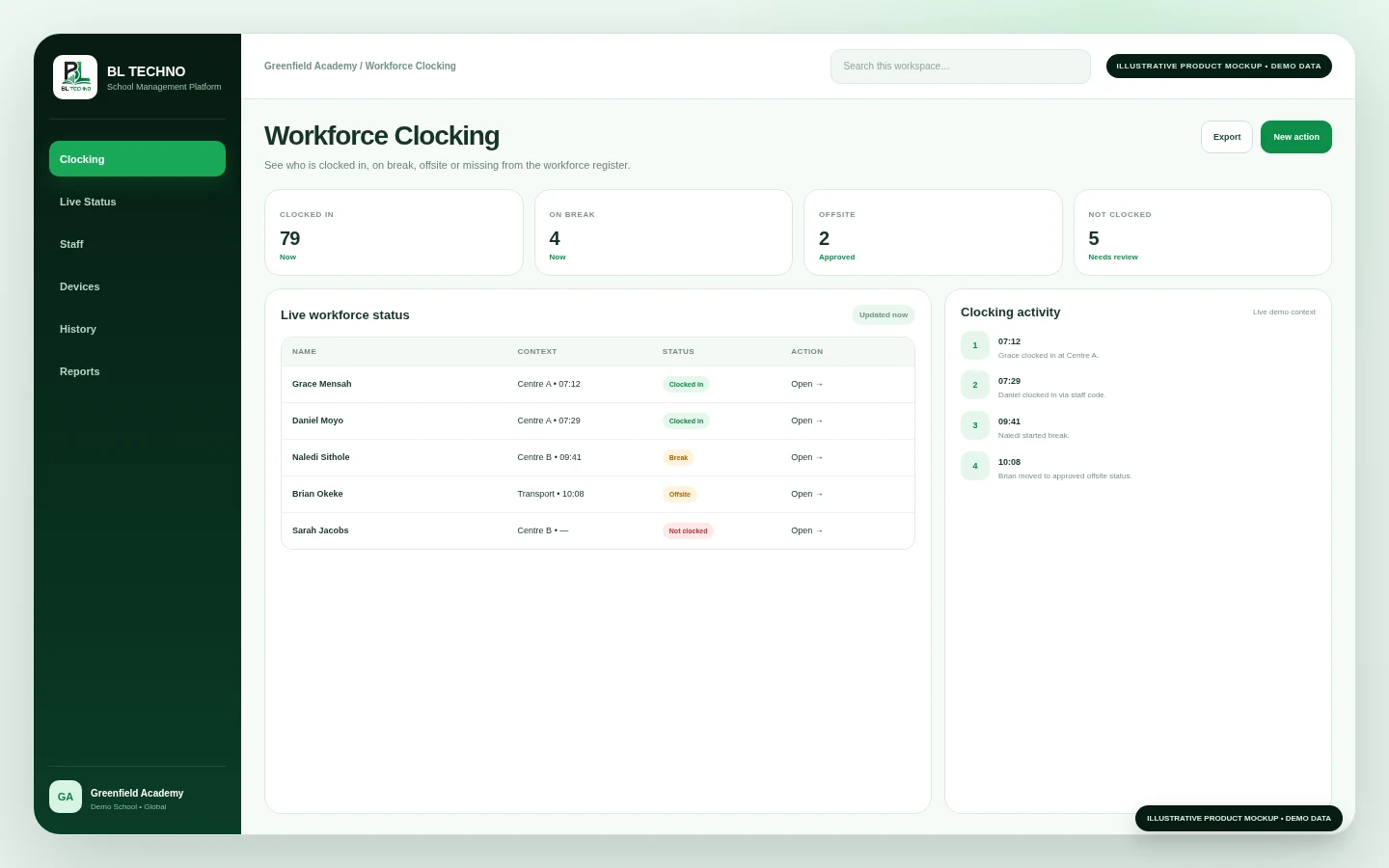
Support staff clock-in/out, break/offsite states, identity registration, device/scanner readiness and clocking reports in a focused workforce attendance environment.
 Workforce
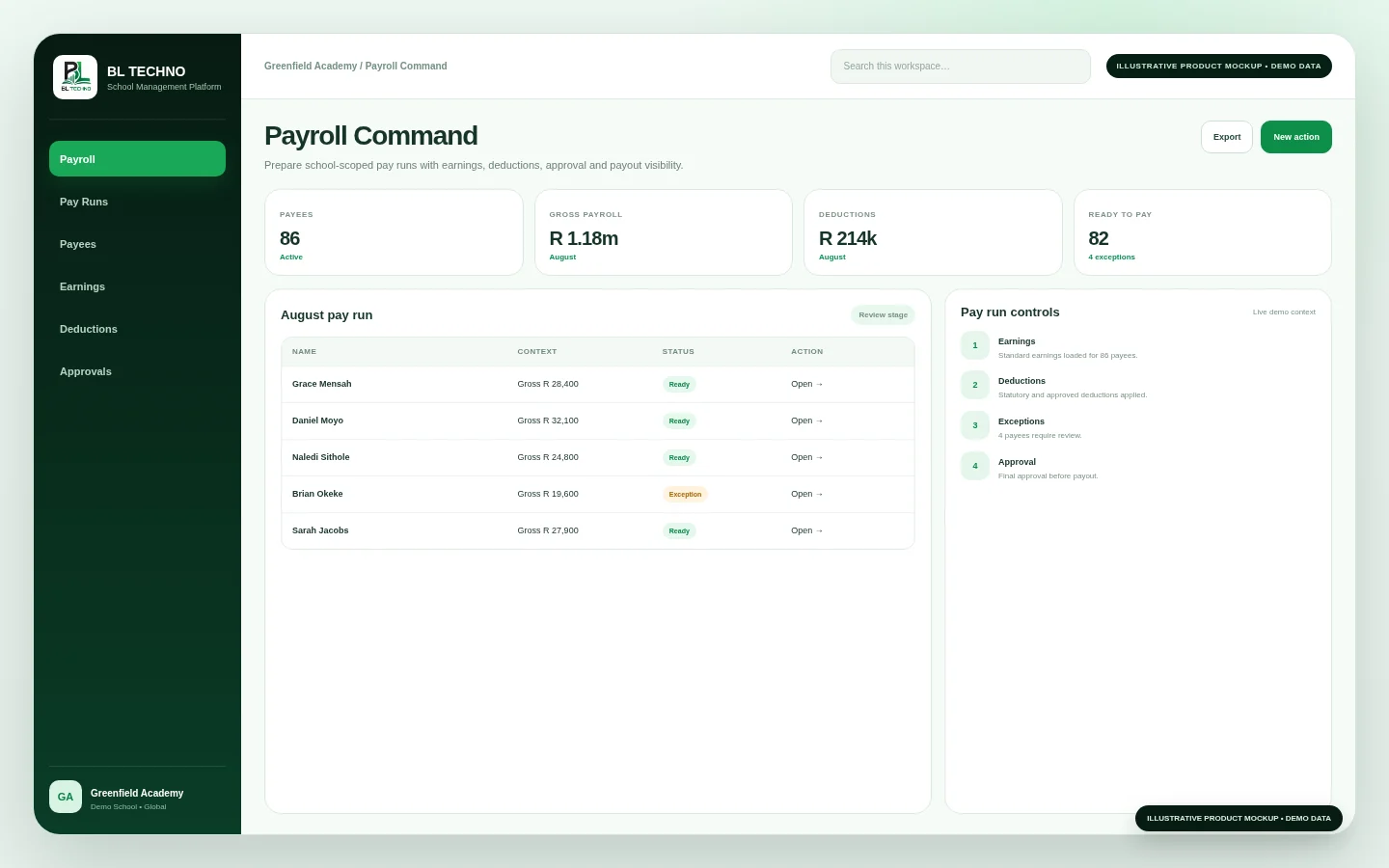
Manage payees, salary preparation, payroll transfer rails, approval/batch workflows, payment methods and centre payroll statements with finance control in mind.
 Administration
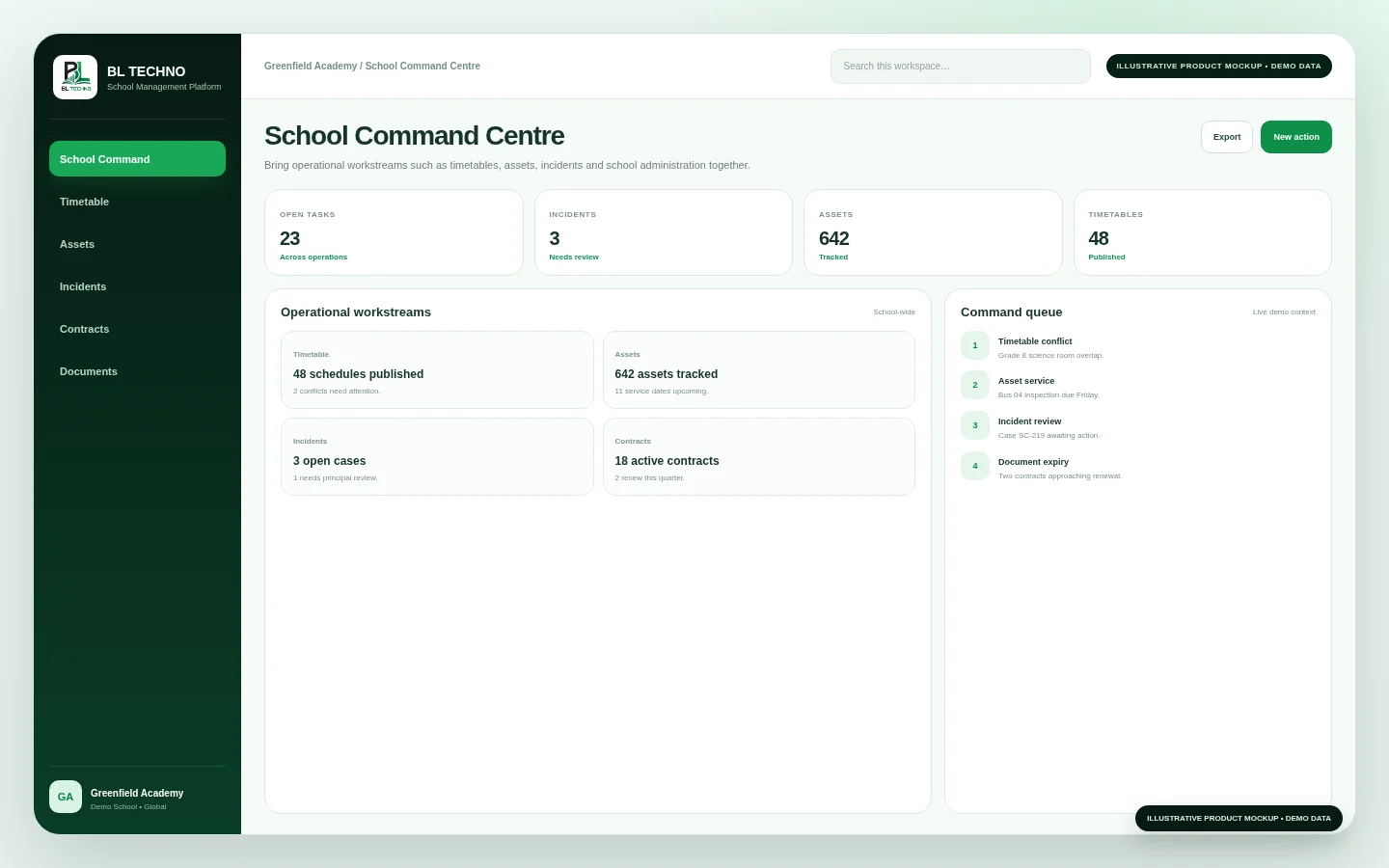
Give authorised management users a focused operational surface for school context, centre context, timetable records, transferred learner history, contracts/documents and connected action areas.
 Administration
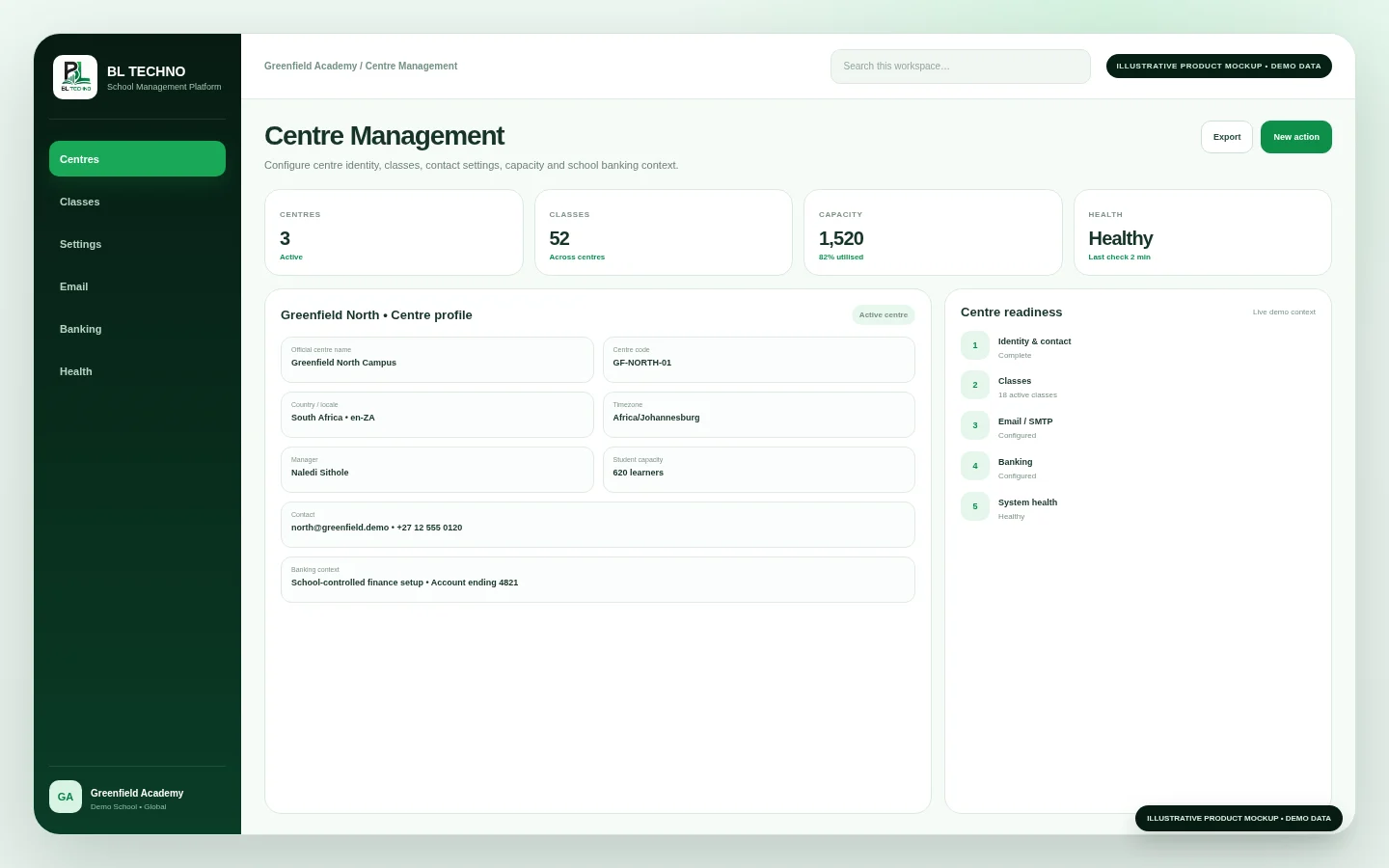
Register and manage centres, banking context, grades/classes/year collections and centre-to-class directories so multi-centre schools can operate from a consistent structure.
 Administration
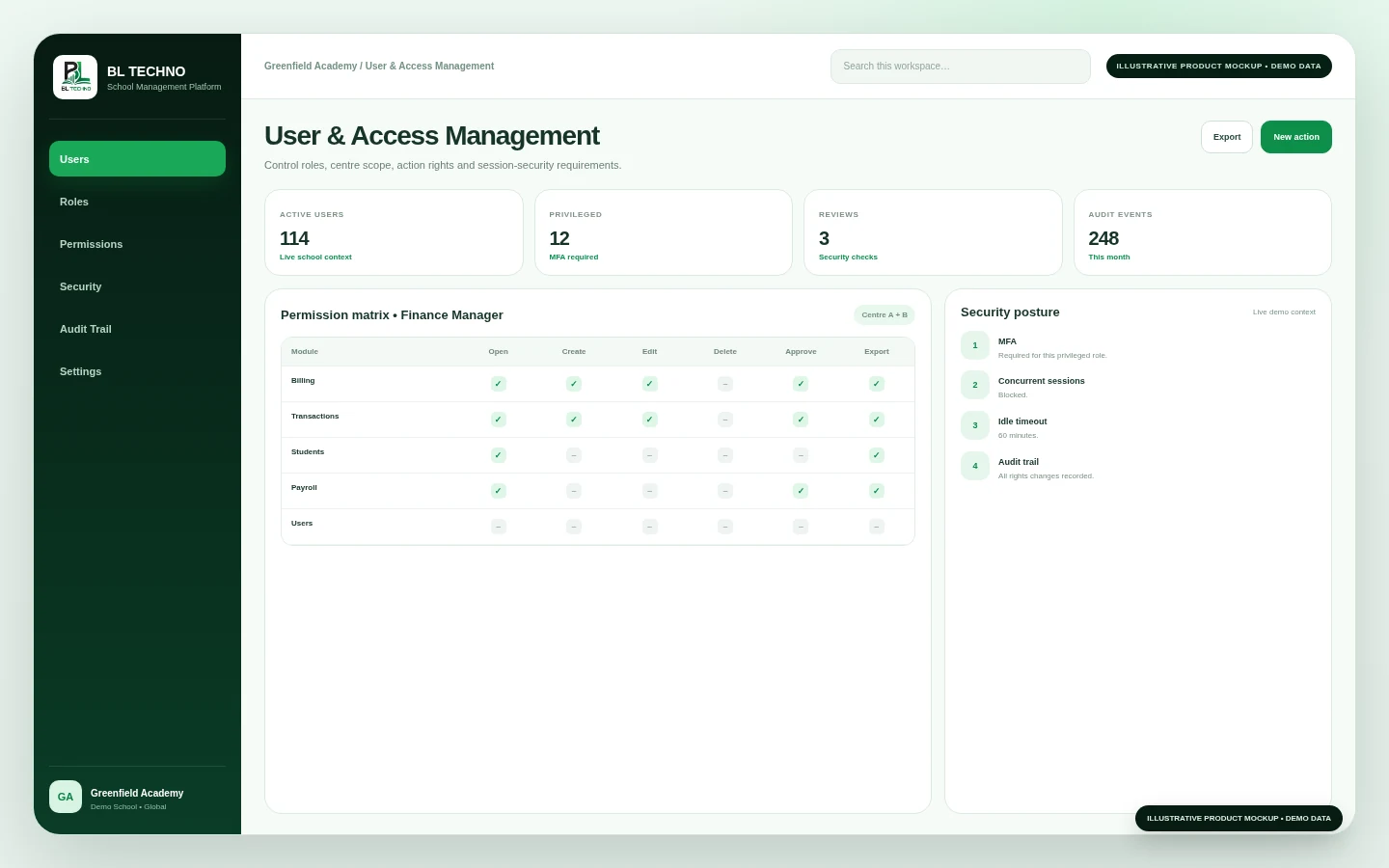
Manage users, role baselines, module access, action permissions, centre scope, account-security settings and access-control audit history from one governed administration area.
 Communication
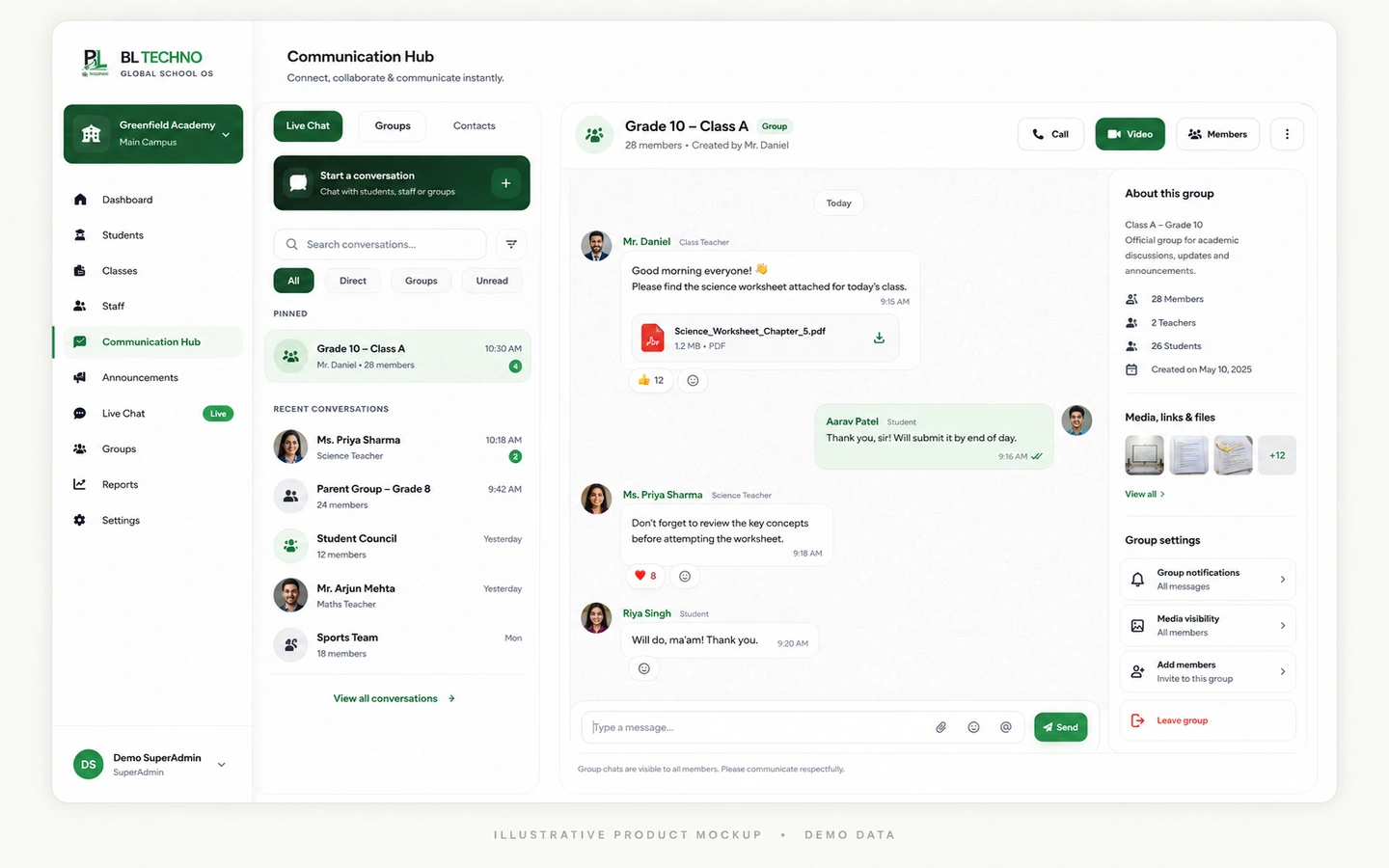
Support school-user chat, direct conversations, transport notifications and connected call/meeting entry points within the school-scoped communication environment.
 Communication
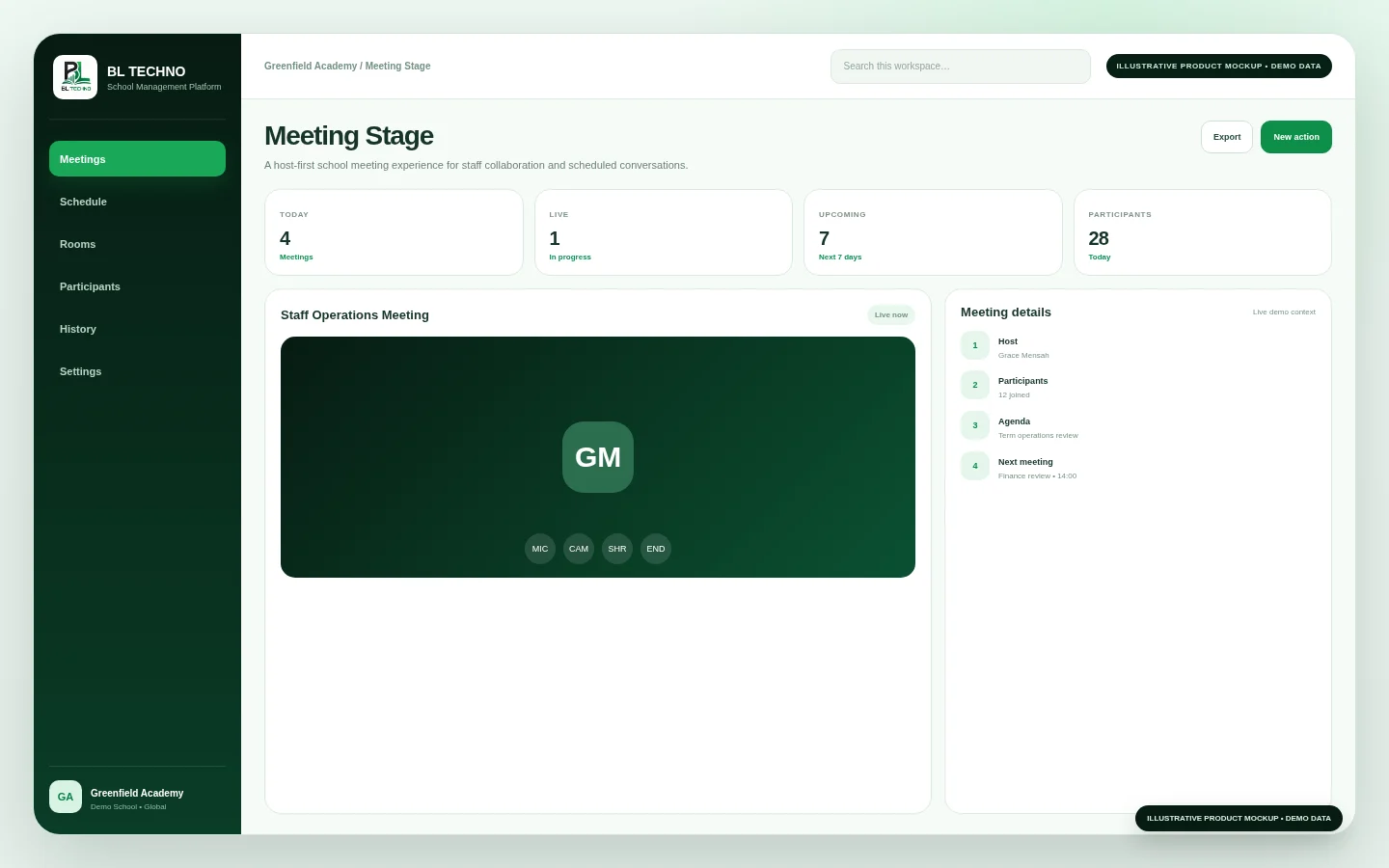
Support meeting-host context, stage requests, host queues, invitation tracking, meeting details and structured discussion workflows inside a connected school collaboration experience.
BL TECHNO is designed so authorised information can move with the school journey—from registration into student records, attendance, academics, finance, communication and management oversight.
010203040506The video teaser connects the visual language of admissions, attendance, teaching, assessment and wider school operations without exposing real learner data.
Open Product Tour →Use these groups to understand how the feature library supports different school teams.
Move from enrolment to daily learning with one connected learner context.
Student Management • Admissions • Attendance • AssessmentShow Academic features →Connect student accounts, money movement and financial evidence inside school context.
Billing • Payments • TransactionsShow Finance features →Bring people records, workforce status and payroll operations into the wider school environment.
Staff • Staff Clocking • PayrollShow Workforce features →Control operating scope, centres, users, permissions and management visibility.
School Command • Centre Management • User ManagementShow Administration features →Keep conversations and collaboration attached to authorised school context.
Live Chat • MeetingsShow Communication features →The public feature pages describe capability. Actual access remains controlled by the authenticated school application and its authorised role/scope model.
Role, scope, permission and audit-aware control.
Explore Security →GLCountry, currency, timezone, locale, language and direction architecture.
Explore Global →MBDifferent device priorities for management, teachers, students and mobile operational roles.
Explore Mobile →DPPublic-safe product storytelling with controlled operational access.
Explore Data Privacy →Use Products to understand the larger BL TECHNO experiences for school teams. Use Features when you want to inspect a specific workflow in detail.
Products are broader role- or operating-area workspaces. Features describe specific capabilities such as Attendance, Billing, User Management or Live Chat inside the connected platform.
No. The public feature library explains the available capability areas. Final entitlements and commercial packaging depend on the selected plan and approved configuration.
The platform is designed so authorised features can use the same school, centre, learner, staff and role context rather than forcing teams to maintain disconnected records.
The public experience is responsive, and product workflows are designed around the device used by each role. Some dense management tasks remain more appropriate on larger screens.
The platform architecture supports country, currency, timezone, locale, language and text-direction context. Payment, tax, payroll and legal requirements remain market-specific.
Build a tailored BL TECHNO demonstration around the areas your institution wants to improve first.
See how learners, finance, staff, permissions, communication and transport connect.
See how students, attendance, assessments, billing, staff, payroll, access, communication, library and transport connect in one school system.
Learn what approved Agents represent, how the onboarding journey works, and where to register or sign in to the live Agent system.
BL TECHNO is one global website. We suggest your country automatically so pricing can be shown in the local currency, and you can override the suggestion at any time.